
Gain clarity, confidence & control with Reporting and Analytics
Unlock real-time insights into your business payments and spend with clear dashboards designed to help you make faster, smarter financial decisions.
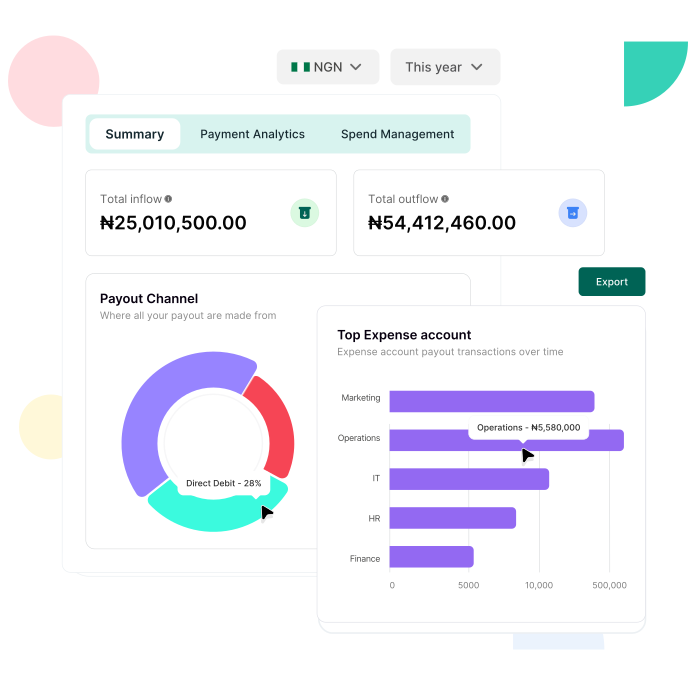
Track & analyze your payments with ease
Payment analytics dashboard
Get detailed insights into payment volumes, approval status, and payout distribution so you can detect trends and resolve issues quickly.
Spend summary dashboard
See inflows, outflows, and success rates in one view. Quickly identify top expense accounts and recipients to stay on top of your spending patterns.
Data you can trust, when you need it
Near real-time visibility
Dashboards refresh every few minutes, so you’re always working with the latest data.
Consistent reporting
Shared definitions and transparent calculations give finance and leadership teams a single source of truth.
Audit-ready records
Stay compliant with automated, reliable reporting that reduces errors and last-minute stress.
Customizable and flexible for your business
Filter with precision
Drill down by date, currency, or payment type to get the exact insights you need.
Tailored reporting
Adapt views for different departments or roles so each team has the right visibility.
Audit-ready records
Coming soon: CSV exports, scheduled email reports, and deeper vendor and account-level drill-downs.
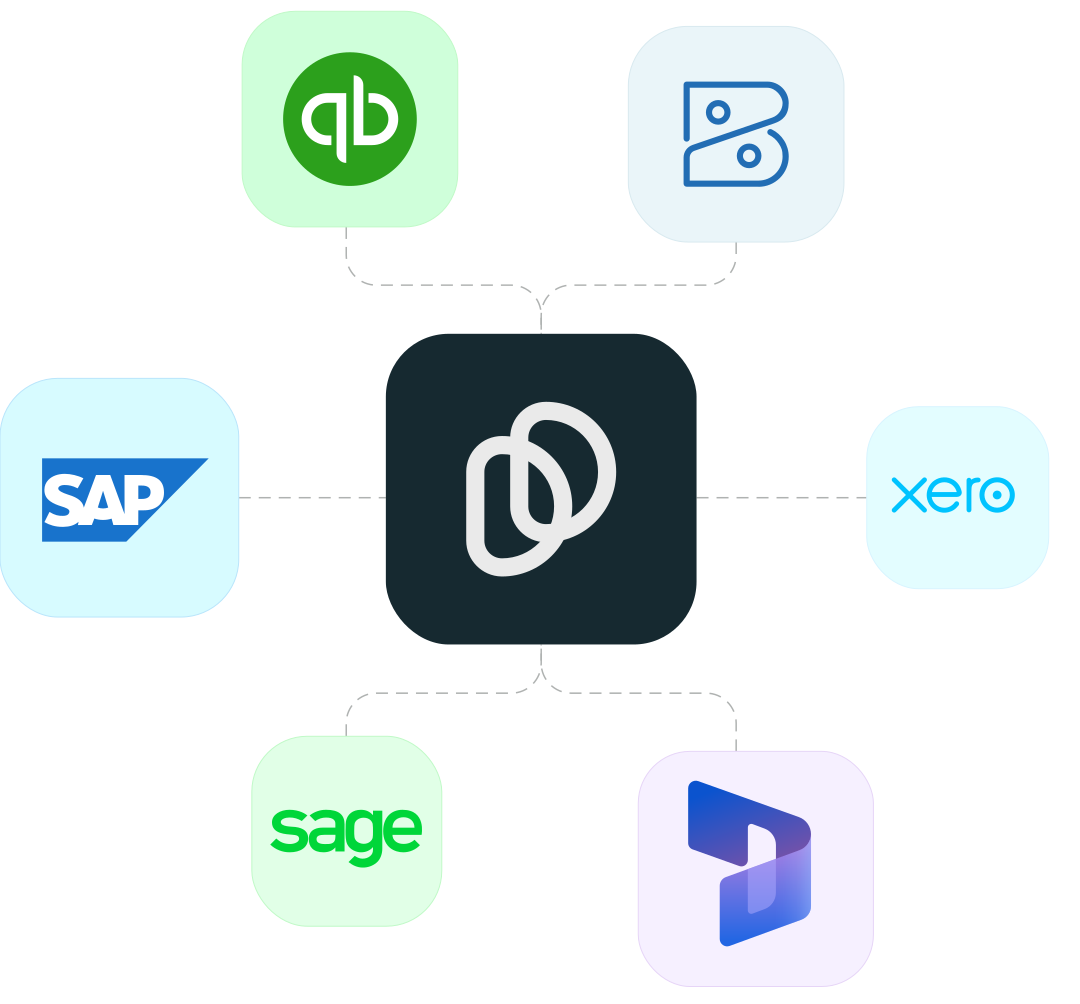
Built to integrate and share data with your finance tech stack
Streamline your approval process for quicker decisions and seamless workflows
1
Set Up - Get started by setting up your team members and adding them to the relevant expense department.
2
Create Policies - Create customized approval policies that align with the structure and needs of every department.
3
Initiate Payments - Easily initiate single or bulk payment requests with just a few clicks.
4
Approve and Pay - Once the approver(s) give their approval, payments will be automatically processed without any further action needed.
Got questions? We've got answers
Can I have more than one initiator?
Yes, you can have as many initiators as you want however you only need one person to initiate a payment.
What happens if multiple approvals are selected for a policy?
When multiple approvals are selected for a policy, any payment that falls under that policy will require approval from all selected approvers in the order they were chosen before the payment can be processed.
What happens when the 'Any selected approver can complete workflow' box is ticked?
If this box is ticked, it means that the payment would not need to move in a hierarchical order through approvals anymore, once any of the selected approves the payment the workflow will be completed and the payment can go through for processing.
Can I add existing team members to a workflow?
Yes, you can, however, you will need to ensure they have the expected roles for the workflow i.e. initiator or approver. You can edit your team member roles directly on the Duplo dashboard.
Can employees track the status of their submitted expense reports?
Yes, employees can usually track the status of their expense reports (submitted, pending approval, approved, or rejected) through the platform.
Ready to streamline
your financial operations?
Sign up or book a free demo to explore how Duplo supports enterprise businesses with reliable payments, stronger financial controls, and compliant operations across borders.